Now that macOS 27 Golden Gate is here, there is a lot for Mac users to look through. Apple is putting a much bigger focus on Siri AI this time around, with more natural conversations, better personal context, and the ability to help you find things across your Mac. Apple Intelligence is also showing up in more places, while apps like Safari and Photos are getting new tools that could actually be useful day to day. On top of that, Apple has continued refining Liquid Glass and added a number of performance and system improvements across macOS.
There are also plenty of smaller changes spread throughout the update, from faster AirDrop transfers and better Mail search to improved ultrawide display support, smarter Calendar features, updated iCloud Shared Albums, and new accessibility tools. Some of these features are much more noticeable than others, but together they make Golden Gate a pretty packed release. So if you are wondering what is actually new in macOS 27, which features are worth paying attention to, and whether you should upgrade right away, here is everything you need to know.
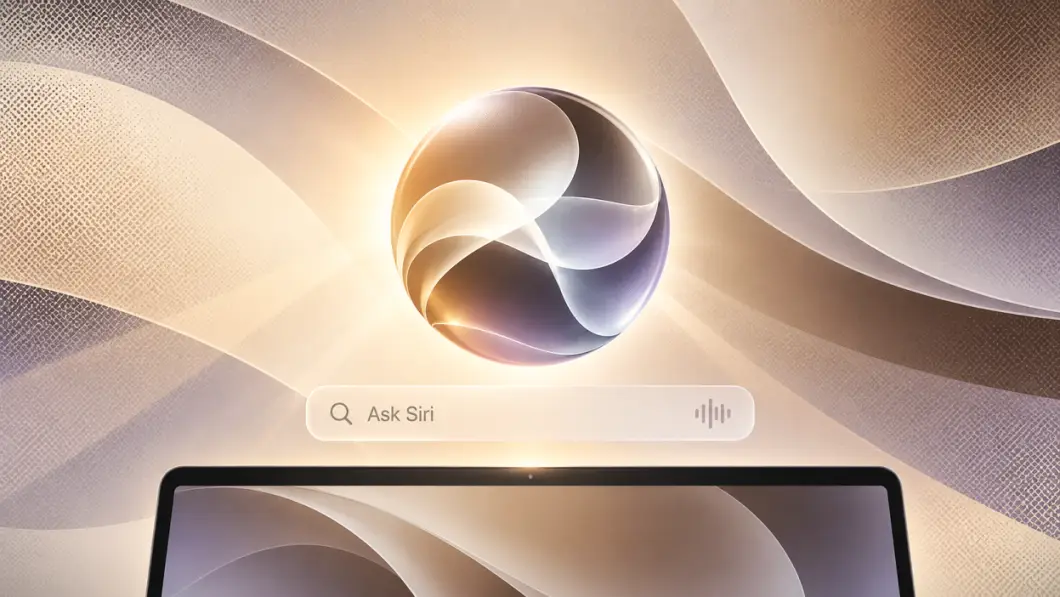
Siri gets one of the biggest upgrades in macOS 27. With Siri AI, you can ask more natural questions, keep a conversation going without repeating everything, and use it for more than simple commands. Apple also brings Ask Siri into Spotlight, so it feels more connected to the way you already search on your Mac
It can also help find things across your Mac, like an old photo, an email buried in your inbox, or a note you saved a while ago. Siri can take actions in apps like Messages, Music, and Reminders too, and it can pull in information from the web when you need help researching something. The goal is pretty clear: make Siri feel less like a voice assistant you only use occasionally and more like something you can actually use while working on your Mac.
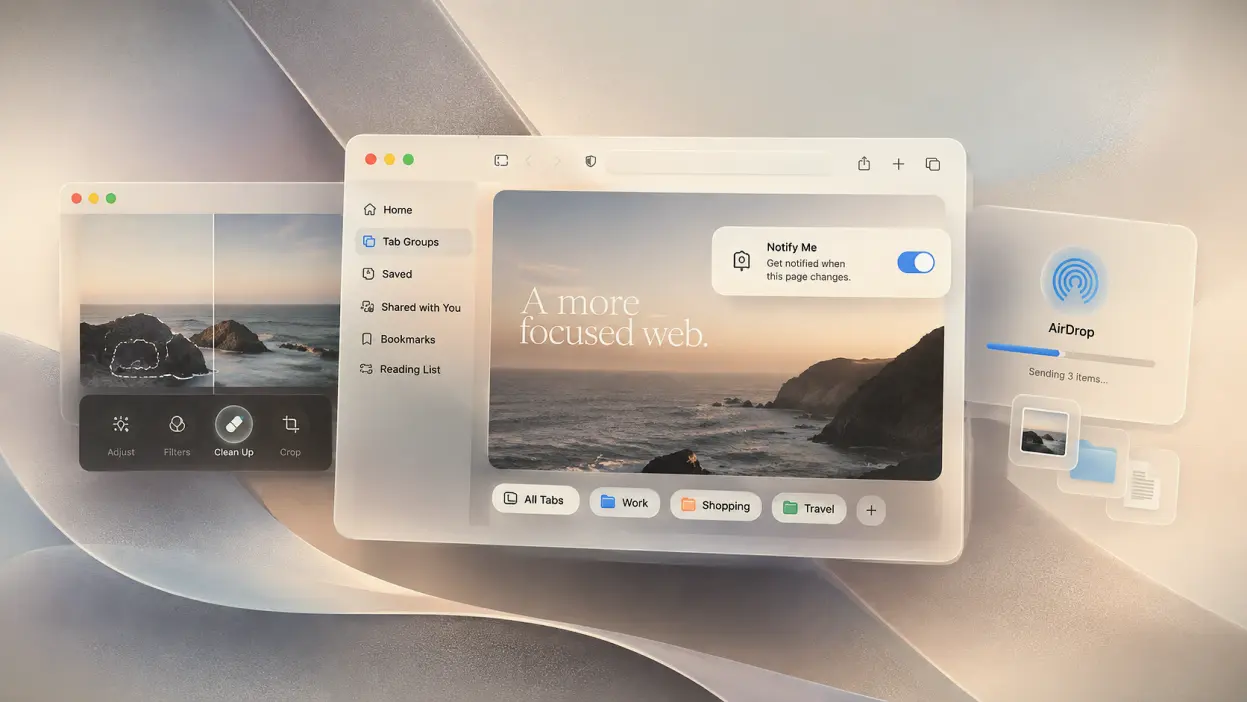
macOS 27 also gives some of Apple’s most-used apps a useful refresh. Safari can now automatically group related tabs together, which should make busy browsing sessions easier to manage, while Notify Me can watch a page for changes like a price drop or restock and alert you when something happens. Photos is getting better editing tools too, including Spatial Reframing, Extend, and a stronger Clean Up tool for removing larger unwanted objects from a photo.
There are also smaller speed improvements that should make the whole system feel smoother. Apple says AirDrop transfers are faster, network file browsing is quicker, Safari’s start page loads faster, and Mail now does a better job of putting the most relevant search results at the top. None of these changes are flashy on their own, but they are the kind of upgrades you are more likely to notice during normal everyday use.
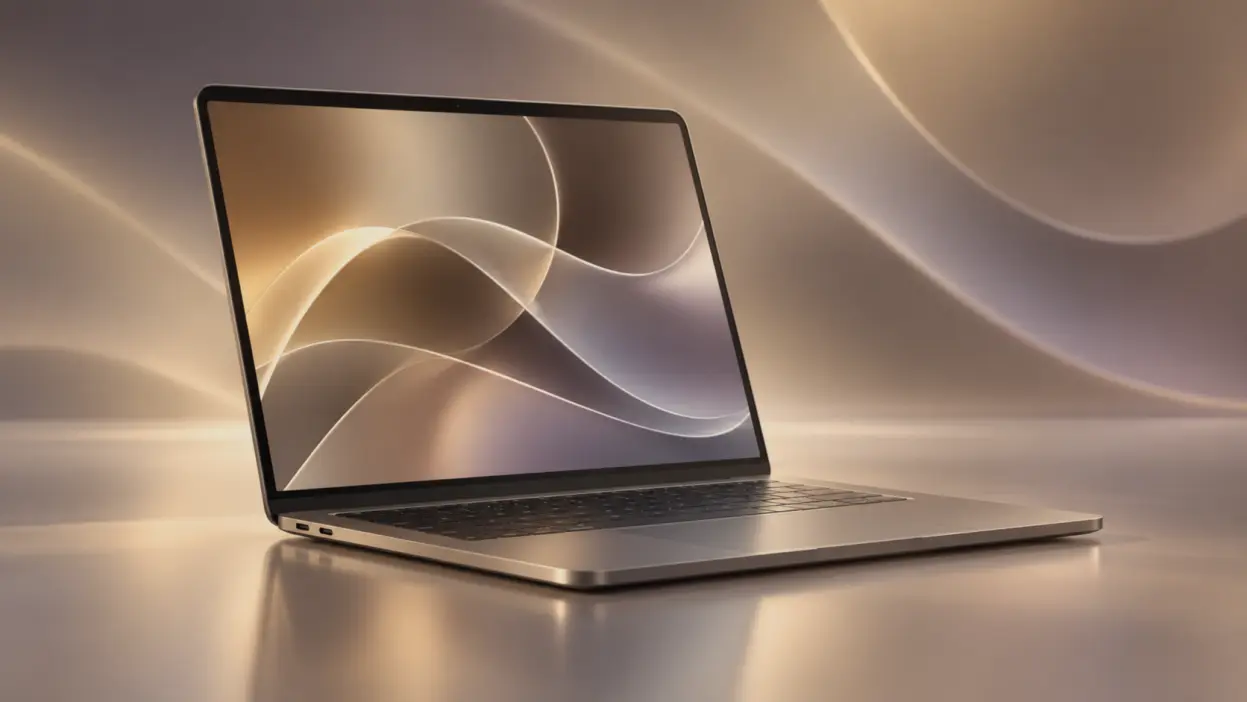
macOS 27 also gives Liquid Glass another round of improvements. Apple says the effect now has better contrast and more consistent refraction, so windows, sidebars, toolbars, and menus should look cleaner and easier to read. Window shapes and menu bar icons have also been updated to make the whole system feel more polished.
You can also change how strong the Liquid Glass effect looks. A new slider lets you move between a clearer look and a more tinted one, which is useful if you want the interface to feel more transparent or a little easier on the eyes. It is a small change, but it gives you more control over how macOS looks without having to completely change the theme.
macOS 27 Golden Gate feels like a much more complete update, especially now that Siri AI is finally becoming genuinely useful instead of feeling like an extra feature you rarely touch. Liquid Glass also feels like it has finally matured, with a smoother, cleaner look and better readability than the first version, which could sometimes feel a little unfinished. Add the faster AirDrop transfers, quicker network browsing, improved Safari loading, and better Mail search, and there are enough real performance gains here to make the upgrade feel worthwhile rather than just cosmetic